
How to Download YouTube Shorts in HD

Quick Answer: To use a youtube shorts downloader, open the YouTube Shorts feed, tap the Share button on the clip you want, and copy the link. Paste it into the Save Downloads app, choose 1080p Full HD, and tap Download. The vertical video is saved directly to your phone gallery for offline sharing and viewing.
YouTube Shorts has become one of the most vibrant formats for quick tutorials, cooking recipes, fitness tips, and comedy sketches. But because Shorts play in an endless vertical feed, finding a clip you enjoyed yesterday is often frustrating.
With a fast and private youtube shorts downloader, you can save your favorite short videos directly to your device gallery for offline access anytime.
What Makes YouTube Shorts Downloading Unique?
Shorts are produced in a 9:16 vertical aspect ratio (1080 × 1920 pixels) optimized specifically for handheld mobile screens. When you download youtube shorts, you want to preserve:
- Full 1080p HD Resolution: Clean text, sharp graphics, and vibrant colors without blocky compression.
- Synced Stereo Audio: Clear speech, sound effects, and music tracks perfectly synchronized with the video.
- Uncluttered Viewing: The ability to pause, scrub, fast-forward, and rewind without interactive buttons blocking the screen.
Save Downloads handles vertical Shorts natively, ensuring standard MP4 files that open instantly in any video player.
How to Download YouTube Shorts on Android Step by Step
Saving a Short to your phone takes less than ten seconds:
- Copy the Short URL: While watching a Short in the YouTube app, tap the Share button on the right side and select Copy link.
- Open Save Downloads: The app detects the copied link from your clipboard instantly.
- Select HD Quality: Choose 1080p Full HD or 720p HD depending on your storage preferences.
- Tap Download: The video downloads directly to your device storage and appears in your gallery.
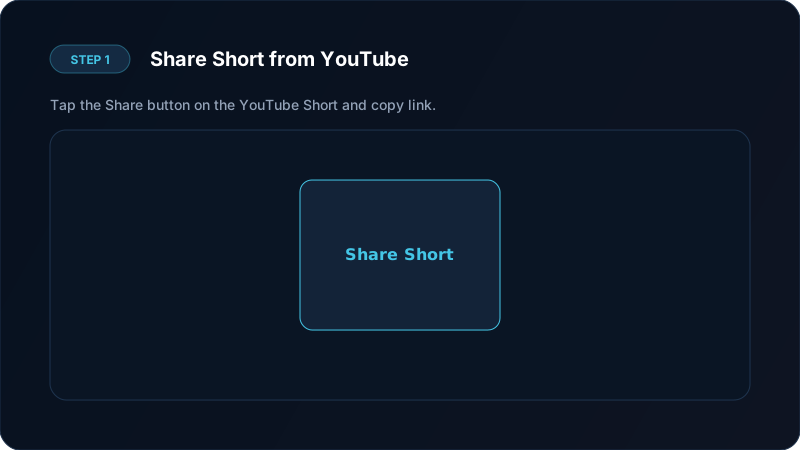
Using a dedicated yt shorts downloader app avoids slow web pages and intrusive redirect ads.
Saving Shorts Directly to Your Camera Roll
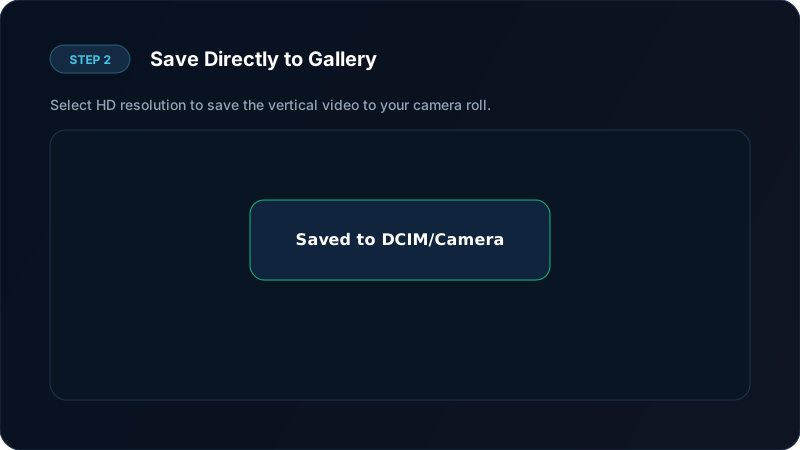
A common question is how to make sure a youtube short video download goes straight into your phone camera roll:
- Save Downloads saves files to your public
Moviesfolder. - Android system media scanner indexes the file immediately.
- Open Google Photos, Samsung Gallery, or your preferred photo viewer, and the video appears under the Save Downloads or Movies album.
From there, you can view the video completely offline, share it with family and friends on WhatsApp or Telegram, or archive it in your personal collection. If you prefer to keep certain clips private, Save Downloads features a built-in offline vault where videos can be locked behind a secure PIN.
Extracting Audio and Trending Sounds From Shorts
Many Shorts feature viral dialogue snippets, unique acoustic remixes, and original creator commentary. If you only need the audio track:
- Paste the Short link into Save Downloads.
- Switch the format selector from MP4 Video to MP3 Audio.
- Tap Download.
The app extracts the pure audio track, creating a lightweight MP3 file ready for ringtones, background listening, or audio archiving. For more audio techniques, see our YouTube to MP3 tutorial.
How to Download YouTube Shorts on PC and Laptop
If you are using a desktop browser:
- Navigate to YouTube Shorts in Chrome, Edge, or Firefox.
- Copy the URL from your browser address bar (links look like
youtube.com/shorts/VIDEO_ID). - Use a verified online video tool or our upcoming Windows desktop application.
- Select 1080p MP4 to save the vertical clip directly to your PC
Downloadsfolder.
Vertical videos can be easily played on Windows using VLC Media Player or the built-in Media Player app.
Ethical Guidelines for Content Creators
When saving and archiving Shorts:
- Save clips for personal inspiration, offline study, or fair-use educational purposes.
- Respect creator attribution if sharing clips among friends.
- Never re-upload creators’ work to other platforms claiming ownership.
- Review our complete guide on legal video downloading.
Organizing Vertical Shorts for Workouts, Cooking, and Study
Vertical videos are uniquely suited for quick-reference tasks where you need immediate visual guidance:
- Cooking Recipes: Keep step-by-step recipe videos stored in a dedicated “Recipes” gallery album on your kitchen tablet or phone. You can pause and repeat steps without touching greasy screens to dismiss YouTube ads.
- Workout and Form Drills: Store gym exercises and stretching routines offline. You can loop exercise clips directly in your gym without relying on spotty basement Wi-Fi.
- Language Practice: Save pronunciation clips and vocabulary drills to review during short breaks throughout your day.
Organizing your saved Shorts into custom gallery folders keeps your favorite content categorized and accessible with a single tap.
Frequently Asked Questions
Can I download YouTube Shorts in 1080p Full HD?
Yes. Save Downloads fetches Shorts in their full native resolution up to 1080x1920 pixels with synchronized audio.
Do downloaded Shorts contain watermarks?
No. Videos downloaded through Save Downloads are clean original MP4 files without any added overlay logos.
How do I save a YouTube Short directly to my phone gallery?
Save Downloads automatically saves completed videos to your public media folder, making them instantly visible in your phone gallery.
Can I download audio from a YouTube Short?
Yes. You can switch the download format to MP3 to extract speech, voiceovers, or songs from any Short.
Ultra-Fast VPN & Uncapped Bandwidth
Protect your mobile downloads with military-grade AES-256 encryption. Prevent ISP bandwidth throttling and stream up to 8x faster.
Try Save Downloads for Android
Parallel multi-chunk downloads, lossless 1080p and 4K stream remuxing, WhatsApp status saver, and AES-256 encrypted vault. 100% offline and account-free.
Related Guides & Articles
How to Download a Full YouTube Playlist
Need a youtube playlist downloader? Learn how to download entire video playlists and music albums in one tap for complete offline viewing.
How to Download YouTube Videos in 4K and 1080p
Learn how to perform youtube video download 4k and 1080p Full HD. Discover how to get high-resolution videos with synchronized audio on mobile and PC.
How to Download YouTube Videos to MP4 on Phone and PC
Learn how to convert youtube to mp4 in high quality. Download YouTube videos to MP4 for offline viewing with synced audio on Android, PC, and iPhone.