
How to Download Audio and Music From Instagram Reels
Quick Answer: To download audio from instagram, copy the link of any public Reel or video post, open the Save Downloads app, and paste the URL. Switch the format selector to MP3 Audio (320kbps) and tap Download. The app extracts the sound track and saves a standalone MP3 file into your device Music folder.
Instagram Reels is one of the premier breeding grounds for viral musical trends, acoustic covers, lo-fi beats, inspirational spoken voiceovers, and comedic dialogue clips. Often, an artist shares an unreleased acoustic demo or a DJ debuts a unique remix exclusively on Instagram.
If you want to enjoy these tracks on your morning run, add them to your offline music library, or use them as custom ringtones, this guide shows you how to convert instagram to mp3 quickly and safely.
Why Extract Audio Instead of Saving Full Video?
Converting Instagram videos to audio files offers substantial practical benefits:
- Massive Storage Savings: A 60-second 1080p video file can take 20 MB of storage space. The extracted MP3 audio file takes only 1.5 MB to 2 MB, allowing you to store hundreds of tracks without filling your memory.
- Battery-Friendly Playback: Playing audio with your phone screen turned off uses a fraction of the processor energy required for video decoding.
- Custom Phone Ringtones: Set your favorite viral musical hooks or comedic catchphrases as incoming call ringtones or text chimes.
Using an instagram reels audio download utility gives you direct access to the audio tracks you love.
How to Download Audio From Instagram on Android
Extracting MP3 tracks on Android takes only a few simple steps:
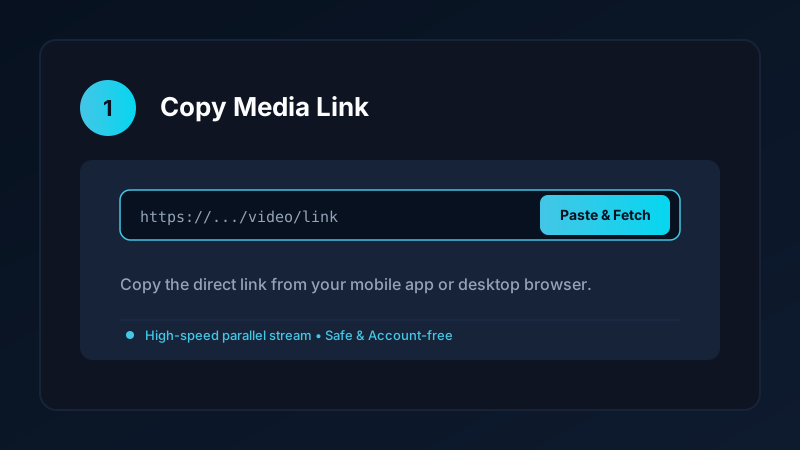
- Find the Audio: In the Instagram app, navigate to the Reel featuring the music or sound you want to extract.
- Copy the Link: Tap the Paper Airplane icon (or three dots) and select Copy link.
- Open Save Downloads: The app detects your copied URL automatically.
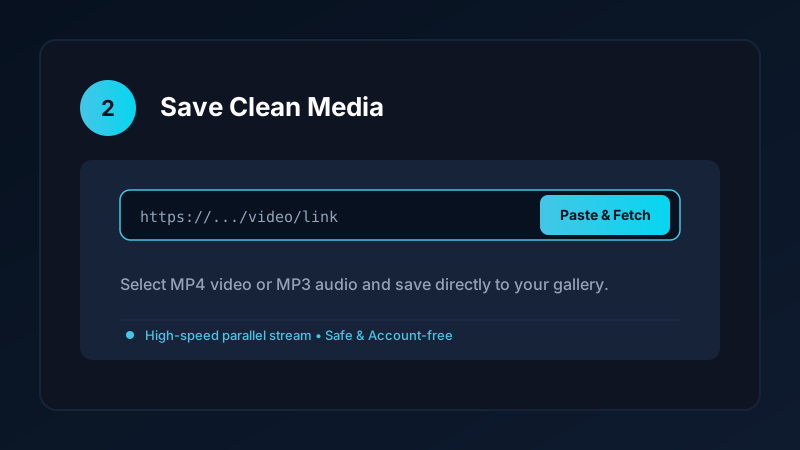
- Choose MP3 Format: Select MP3 Audio (320kbps) in the format selector.
- Tap Download: Save Downloads extracts the sound stream and writes the file into your device
Music/SaveDownloadsfolder.
The completed audio file is immediately scanned by the operating system and becomes visible in music players like VLC, Poweramp, and Google Files.
How to Set an Extracted Instagram Song as a Phone Ringtone
Once your instagram song download is saved to your phone storage:
- Open your phone Settings app.
- Tap Sound & Vibration.
- Tap Phone Ringtone or Notification Chime.
- Tap Custom Ringtone or the + symbol in the corner.
- Select the downloaded MP3 file from your
MusicorDownloadsfolder.
Your custom Instagram sound will now play whenever your phone rings.
Audio Quality and Bitrate Considerations
When saving audio from social platforms, understanding bitrates ensures great sound:
- Instagram streams audio using the AAC codec at bitrates between 128kbps and 192kbps.
- Save Downloads extracts the stream and packages it into high-fidelity 320kbps MP3 format without downsampling or applying lossy dynamic compression.
- This preserves the punchy bass, clear midrange vocals, and crisp treble frequencies when listening through studio headphones or car stereo speakers.
If you also want to save music from YouTube, read our comprehensive tutorial on how to convert YouTube to MP3 audio.
Staying Safe From Shady Online Audio Converters
Many web-based converter websites claim to offer Instagram audio extraction but present severe user risks:
- Deceptive Advertisements: Fake “Software Update Required” or “Antivirus Alert” popups designed to trick users into downloading unwanted programs.
- Hidden Malware Installers: Downloading executable
.apkor.exefiles instead of genuine media files. - Server Downtime: Web tools frequently fail when social platforms update their media delivery endpoints.
An account-free, offline Android application like Save Downloads keeps your smartphone protected and provides 100% reliable download speeds.
Copyright Notice and Creator Respect
When you extract audio from Instagram:
- Use extracted sounds strictly for personal offline listening, private reference, or custom ringtones.
- If you use a trending audio track in your own original creative project, always credit the artist or creator in your description.
- Never upload someone else’s copyrighted music to commercial platforms. Read our overview on video and audio downloading ethics.
Offline Audio for Commuting, Travel, and Gym Workouts
Listening to extracted Instagram audio tracks is the ultimate way to stay entertained without cellular connection:
- Airplane Mode Listening: Prepare a playlist of inspirational talks, trending songs, and relaxing soundscapes for long-haul flights where in-flight Wi-Fi is expensive or unavailable.
- Cellular Dead Zones: If your gym is located in a basement or you commute through subway tunnels, offline MP3 files play continuously without buffering.
- Car Audio Integration: Connect your phone via Bluetooth or transfer your MP3 collection to a USB drive to play viral remixes through your car stereo speakers.
Frequently Asked Questions
Can I download audio from Instagram Reels as MP3 files?
Yes. A specialized extractor separates the sound track from the visual video and saves a standalone 320kbps MP3 file.
What audio bitrate does Instagram use?
Instagram streams audio at 128kbps to 192kbps AAC. Save Downloads preserves this high-fidelity audio without compression loss.
Can I set an extracted Instagram song as my phone ringtone?
Yes. Once saved to your device storage, you can set the MP3 file as your custom ringtone, message chime, or alarm.
Is instagram to mp3 conversion free on Save Downloads?
Yes. Save Downloads extracts unlimited audio tracks completely free with zero subscription fees or sign-in requirements.
Ultra-Fast VPN & Uncapped Bandwidth
Protect your mobile downloads with military-grade AES-256 encryption. Prevent ISP bandwidth throttling and stream up to 8x faster.
Try Save Downloads for Android
Parallel multi-chunk downloads, lossless 1080p and 4K stream remuxing, WhatsApp status saver, and AES-256 encrypted vault. 100% offline and account-free.
Related Guides & Articles
4K Video Downloader: How to Download High-Resolution Videos
Looking for a true 4k video downloader? Learn how to download Ultra HD 4K and 1080p videos with synchronized sound for offline viewing on TV and mobile.
Best Video Downloader App for Android in 2026
Looking for the best video downloader app for Android? Discover top features to check: offline speed, 1080p/4K with sound, private vault, and no accounts.
How to Download a Full YouTube Playlist
Need a youtube playlist downloader? Learn how to download entire video playlists and music albums in one tap for complete offline viewing.