
Reddit Video Downloader: Download Reddit Videos With Sound
Quick Answer: To use a reddit video downloader with sound, tap the Share button on the Reddit post, select Copy link, and open Save Downloads. Choose 1080p HD quality and tap Download. The app automatically downloads both the video stream and the audio stream, merging them into a complete MP4 file in your phone gallery.
Reddit is known as the front page of the internet, featuring thousands of active communities sharing viral comedy clips, breaking news footage, gaming highlights, pet antics, and DIY tutorials. But if you have ever tried to save a video from Reddit, you have probably run into one of the most common complaints on the internet: the downloaded video plays completely silent without sound.
In this guide, you will learn why Reddit separates audio, how a true reddit video download utility solves the problem, and how to save clips on phone and PC.
Why Do Reddit Videos Download Without Sound?
When you stream a video on Reddit (v.redd.it), the platform employs an adaptive delivery architecture:
- Separated Streams: Reddit stores the video track (visuals) and the audio track (sound) as two completely separate files on its servers.
- Browser Assembly: When you watch the video in your Reddit app or browser, the built-in media player streams both files simultaneously and plays them in sync.
- The “Save As” Trap: If you right-click the video and select “Save Video As,” your browser only saves the visual video track, leaving the audio behind on Reddit servers.
- The Solution: A true download reddit video tool must fetch both streams and combine them into a single standard
.mp4file before writing it to your storage.
Save Downloads handles this stream combination automatically on your device hardware, ensuring you never receive a silent video.
How to Download Reddit Videos With Sound on Android
Saving a video on your Android device takes less than twenty seconds:
- Find the Post: In the Reddit app or web browser, locate the post containing the video.
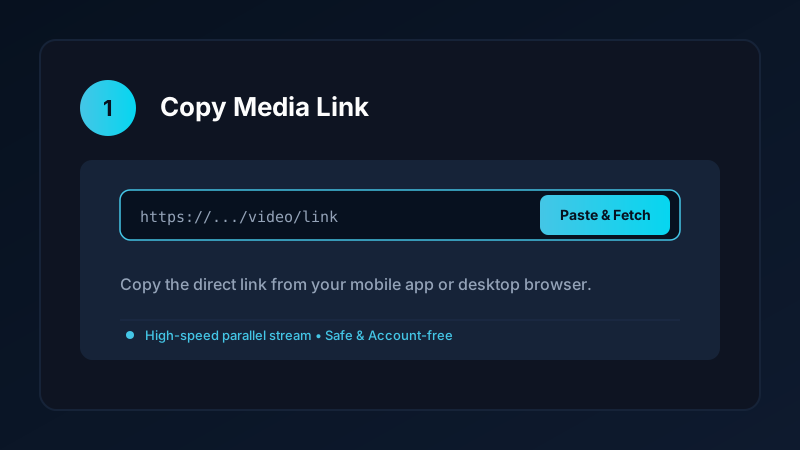
- Copy the Link: Tap the Share button below the post and select Copy link.
- Open Save Downloads: The application detects your copied URL automatically.
- Choose HD Resolution: Select 1080p Full HD or 720p HD and tap Download.
The app downloads both streams, packages them into a universal MP4 file, and saves it into your Movies/SaveDownloads directory.
How to Download Reddit Videos on PC and iPhone
If you are using a computer or Apple device:
- On PC & Laptop: Open the Reddit post in Chrome, Edge, or Firefox, copy the URL from the browser navigation bar, and paste it into our clean online tool. Save the resulting MP4 file directly into your
Downloadsfolder. - On iPhone: Copy the Reddit link, open Safari, and paste the URL into our online tool. Download the file, open the iOS Files app, tap Share, and tap Save Video to export it to your Apple Photos camera roll. Check our iPhone video download guide for more tips.
Completed files play smoothly with full audio in VLC, Windows Media Player, and QuickTime.
Extracting Audio and Dialogue From Reddit Clips
Many Reddit posts feature hilarious voiceovers, podcast snippets, or viral musical memes. If you only want the sound track:
- Paste the Reddit post URL into Save Downloads.
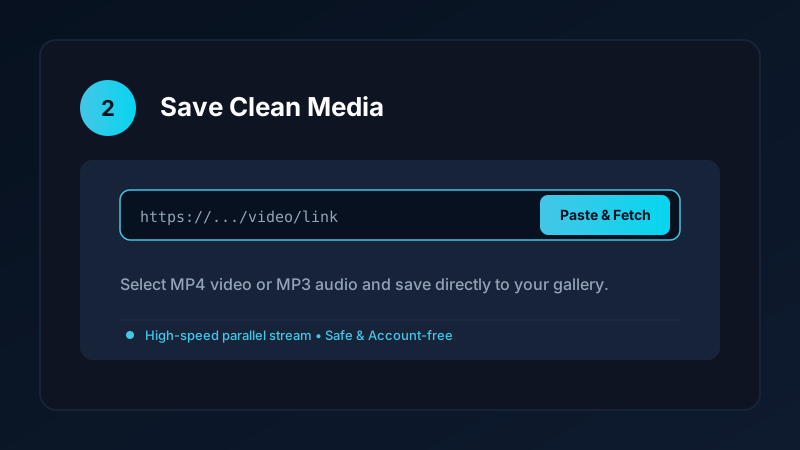
- Switch the format selector from MP4 Video to MP3 Audio.
- Tap Download.
The app extracts the audio track and packages it into a standalone 320kbps MP3 file in your Music directory. For more audio techniques, explore our YouTube to MP3 tutorial.
Sharing Reddit Videos Easily in Group Chats
Having a local MP4 file saved on your phone makes sharing effortless:
- Direct Messaging: Send video files directly into WhatsApp, Telegram, or Discord without forcing your friends to open external Reddit links or deal with browser popups.
- Offline Archiving: Keep viral memes organized in a dedicated “Reddit Memes” album in your gallery for instant access anytime.
Safe, Account-Free Archiving
Many third-party apps demand that you connect your Reddit account before downloading media. This creates severe privacy hazards:
- Third-party apps could read your private Reddit subscriptions and browsing history.
- Save Downloads operates 100% account-free. You never log in or share credentials; all public posts are saved anonymously.
Copyright and Ethical Use
When saving Reddit media:
- Save clips strictly for personal offline viewing, research, or fair-use study.
- Respect creator copyright and original poster attribution if sharing clips among friends.
- Review our complete guide on video downloading laws and ethics.
Frequently Asked Questions
Why do downloaded Reddit videos often have no sound?
Reddit stores visual video and audio as separate web streams. A complete downloader merges both tracks into one complete MP4 file.
Can I download Reddit videos on Android directly to my gallery?
Yes. Save Downloads saves completed MP4 files directly to your Movies folder, making them immediately visible in your gallery.
Can I download Reddit videos on PC or laptop?
Yes. You can paste the Reddit post link into an online web tool or desktop app to download the combined MP4 video.
Is reddit video downloader free on Save Downloads?
Yes. Save Downloads is 100% free, account-free, and requires no Reddit account logins or subscription fees.
Ultra-Fast VPN & Uncapped Bandwidth
Protect your mobile downloads with military-grade AES-256 encryption. Prevent ISP bandwidth throttling and stream up to 8x faster.
Try Save Downloads for Android
Parallel multi-chunk downloads, lossless 1080p and 4K stream remuxing, WhatsApp status saver, and AES-256 encrypted vault. 100% offline and account-free.
Related Guides & Articles
4K Video Downloader: How to Download High-Resolution Videos
Looking for a true 4k video downloader? Learn how to download Ultra HD 4K and 1080p videos with synchronized sound for offline viewing on TV and mobile.
Best Video Downloader App for Android in 2026
Looking for the best video downloader app for Android? Discover top features to check: offline speed, 1080p/4K with sound, private vault, and no accounts.
How to Download a Full YouTube Playlist
Need a youtube playlist downloader? Learn how to download entire video playlists and music albums in one tap for complete offline viewing.