
Best Instagram Video Download Apps: What to Check Before You Install
Quick Answer: The best instagram video download apps operate completely account-free, require zero unnecessary device permissions, preserve full 1080p HD quality with synchronized audio, and feature clean, ad-friendly interfaces. Save Downloads is the premier choice for Android, combining multi-threaded speed with an offline encrypted private vault.
With hundreds of video downloaders available across the web and app stores, selecting a safe, dependable tool can feel overwhelming. Many third-party utilities are packed with aggressive full-screen popup ads, secretly harvest user browsing analytics, or demand sensitive Instagram account login credentials.
Before installing any tool on your smartphone, review this comprehensive safety checklist to identify the best instagram video download apps.
The Essential Downloader Checklist: What to Look For
When evaluating any instagram reels saver or video utility, ensure it satisfies these four non-negotiable criteria:
1. 100% Account-Free Operation
Never install a downloader that asks for your Instagram login credentials, session cookies, or phone number. Authentic video download utilities operate by parsing direct web links of publicly shared posts. Requiring account access creates severe security hazards, including credential compromise and automated account bans.
2. Minimal Device Permissions
Review what permissions an app requests during installation:
- Legitimate Permissions: Standard media storage access (to write MP4 video files to your
MoviesorDownloadsdirectory) and network access. - Red Flag Permissions: Requests for contacts, microphone, camera, SMS messages, or background location. Any downloader asking for these permissions should be uninstalled immediately.
3. Pristine 1080p HD Resolution & Synced Sound
Low-quality download apps save low-resolution 480p preview streams or fail to synchronize audio tracks with video frames. A quality downloader fetches the master 1080x1920 video file with full stereo sound.
4. Zero Aggressive or Deceptive Advertisements
Beware of tools that trigger full-screen unskippable video ads or display deceptive “Your Phone Has a Virus” warnings. Clean utilities respect your user experience with polished, non-intrusive layouts.
Comparing Download Solutions: Web Tools vs Dedicated Apps
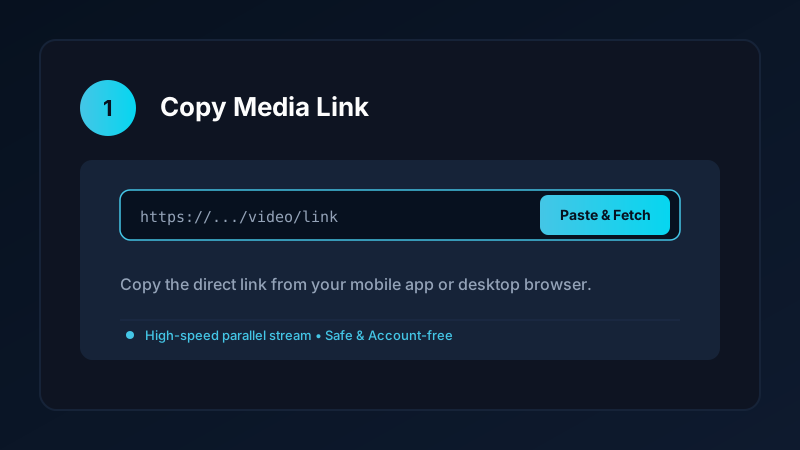
Many users wonder whether they should use web services like insta video save net or install a native mobile app:
| Feature | Browser Web Portals | Native Save Downloads App |
|---|---|---|
| Setup Required | None (runs in browser) | Quick one-time APK install |
| Download Reliability | Vulnerable to cloud server IP blocks | 100% reliable on personal Wi-Fi/mobile IP |
| Download Speeds | Throttled single-thread connections | Accelerated multi-threaded connections |
| Batch Downloading | Rarely supported | Batch queues for multiple files |
| Privacy & Vault | None | Offline private on-device encrypted private vault |
While web tools are handy for a single quick download on a borrowed computer, a native Android application provides far greater speed, stability, and privacy for daily media archiving.
Why Save Downloads Is the Superior Choice on Android
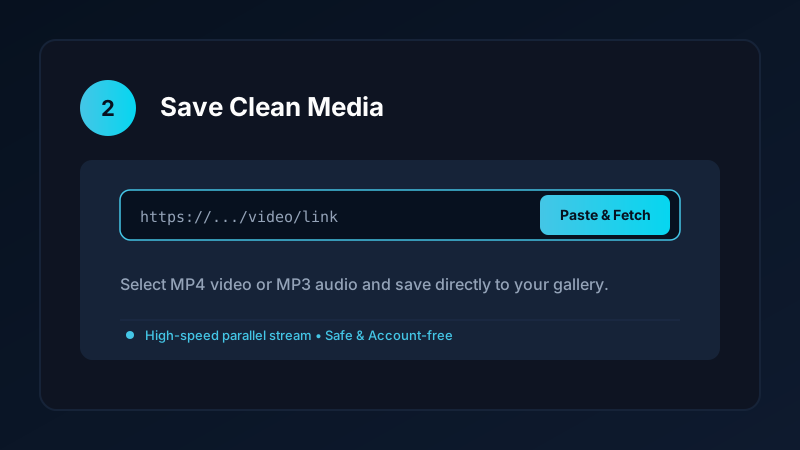
Save Downloads was engineered from the ground up to address the common frustrations of modern media savers:
- Account-Free Architecture: 100% offline functionality with zero sign-ins or server tracking.
- Parallel Chunk Acceleration: Downloads large video files up to 8 times faster using multi-threaded connections.
- Built-in Media Player: Play high-definition video offline with gesture controls, background audio playback, and floating Picture-in-Picture.
- Private Encrypted Vault: Keep personal files secure behind a biometric fingerprint or PIN lock, hidden completely from standard gallery apps.
To learn more about the app design and offline architecture, explore our Android app overview.
How to Safely Sideload an Android Video Downloader
Because Google Play Store policies restrict apps that download video from certain social platforms, the safest video downloaders are distributed via direct APK sideloading:
- Download the official APK from the verified website (
savedownloads.com). - Verify the APK SHA-256 checksum against official release hashes.
- Allow the “Install Unknown Apps” permission in Android Settings for your browser.
- Open the package installer and tap Install.
For detailed, step-by-step instructions on safe installation, read our comprehensive guide on how to safely install video downloader APKs.
Copyright and Ethical Use Reminders
When using Instagram video download apps:
- Save content only for personal offline viewing, research, or fair-use study.
- Respect creator copyright and intellectual property rights.
- Read our legal guide on video downloading laws and fair use.
Evaluating Downloader Battery Impact and Resource Usage
A poorly designed video download app can drain your phone battery and cause overheating:
- Background Drain: Avoid apps that run persistent background services when you are not actively downloading media.
- CPU vs Hardware Decoding: Efficient downloaders fetch direct stream chunks without forcing CPU-heavy video re-encoding on your mobile processor.
- Battery Saver Integration: Save Downloads integrates cleanly with Android power management, pausing background queues when battery saver mode is active and resuming when connected to a charger.
Frequently Asked Questions
What should I look for in the best instagram video download apps?
Look for apps that operate account-free, require minimal system permissions, do not inject full-screen popup ads, and preserve 1080p resolution.
Is it safe to log into Instagram through a third-party downloader?
No. Logging into third-party apps creates severe account security risks. Always use downloaders that work on public links without logins.
Why do some downloader apps request storage permissions?
Downloaders need permission to write completed MP4 video files into your device public Movies or Downloads directory.
How is Save Downloads different from other Instagram download apps?
Save Downloads is 100% offline, account-free, ad-friendly, and features a private encrypted vault to keep sensitive videos secure.
Ultra-Fast VPN & Uncapped Bandwidth
Protect your mobile downloads with military-grade AES-256 encryption. Prevent ISP bandwidth throttling and stream up to 8x faster.
Try Save Downloads for Android
Parallel multi-chunk downloads, lossless 1080p and 4K stream remuxing, WhatsApp status saver, and AES-256 encrypted vault. 100% offline and account-free.
Related Guides & Articles
4K Video Downloader: How to Download High-Resolution Videos
Looking for a true 4k video downloader? Learn how to download Ultra HD 4K and 1080p videos with synchronized sound for offline viewing on TV and mobile.
Best Video Downloader App for Android in 2026
Looking for the best video downloader app for Android? Discover top features to check: offline speed, 1080p/4K with sound, private vault, and no accounts.
How to Download a Full YouTube Playlist
Need a youtube playlist downloader? Learn how to download entire video playlists and music albums in one tap for complete offline viewing.