
Facebook Video Downloader: How to Download Facebook Videos in HD
Quick Answer: To use a facebook video downloader, tap the Share button or three dots on any public Facebook video, choose Copy link, and open Save Downloads. Select 1080p HD quality and tap Download. The video and audio save together as a universal MP4 file directly into your phone gallery or computer Downloads folder.
Facebook remains one of the world’s most active digital hubs for sharing long-form documentary videos, community news updates, educational lectures, viral comedy sketches, and live broadcasts. However, streaming videos repeatedly on mobile connections burns through cellular data packages and leads to frustrating buffering in areas with weak signals.
In this guide, you will learn how to use a reliable facebook video downloader to save high-definition video clips directly to your phone or computer for permanent offline access.
Why Use an External Facebook Video Downloader?
While Facebook includes an in-app “Save Video” option, that feature only creates an internal bookmark inside your social media profile:
- Zero Offline Access: If you are traveling on an airplane or commuting underground, bookmarked videos cannot be played.
- Lost Media: If a group administrator removes a post, a page is unpublished, or privacy settings change, your saved bookmark disappears instantly.
- Cumbersome Sharing: You cannot send a bookmarked video to family members on WhatsApp or Telegram without sending a web link that requires them to log into Facebook.
Using an independent fb video downloader provides a physical MP4 file saved to your internal storage that you can play anywhere, anytime.
How to Download Facebook Videos in HD on Android
Saving Facebook videos on your Android smartphone is quick and effortless:
- Find the Video: In the Facebook app or web browser, navigate to the public video you want to save.
- Copy the Link: Tap the three dots in the corner of the post (or the Share button) and select Copy link.
- Open Save Downloads: The application detects your clipboard and populates the search bar automatically.
- Choose 1080p HD: Select 1080p Full HD or 720p HD and tap Download.
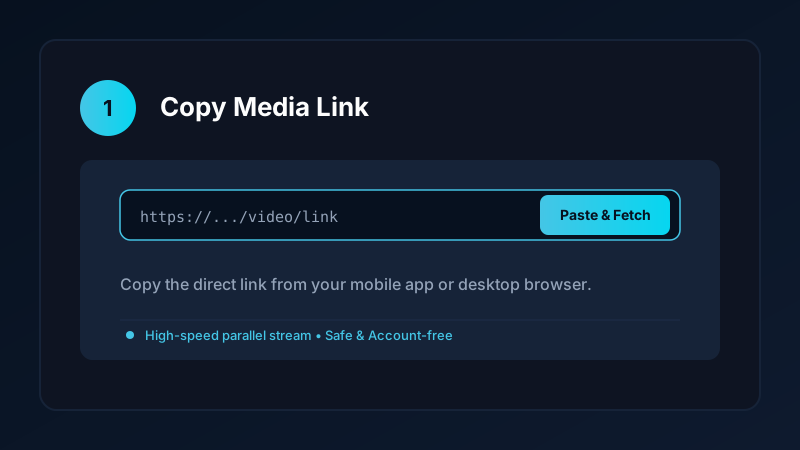
The completed video is saved directly into your device Movies/SaveDownloads folder, immediately indexed by Google Photos, Samsung Gallery, and other media players.
Choosing Between 1080p Full HD and 720p Standard HD
Facebook encodes video into multiple quality tiers to accommodate varying internet connection speeds:
| Quality Tier | Resolution | Typical Bitrate | Best Suited For |
|---|---|---|---|
| 1080p Full HD | 1920 × 1080 | 3.5 – 6.0 Mbps | Large smartphone displays, laptops, smart TVs |
| 720p Standard HD | 1280 × 720 | 1.8 – 2.8 Mbps | Everyday mobile viewing, saving storage space |
| 480p SD | 854 × 480 | 0.8 – 1.4 Mbps | Spoken news, podcasts, low-memory phones |
For educational courses and detailed visual presentations, a true facebook video downloader hd ensures text and graphics remain sharp and readable.
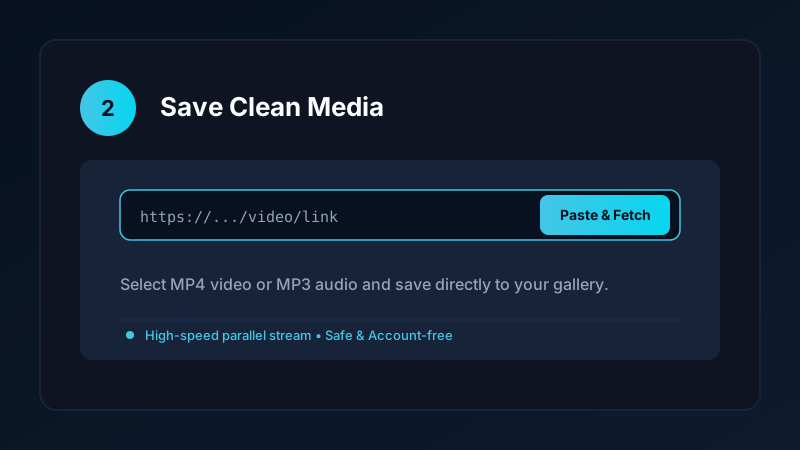
Downloading Facebook Videos Online on PC and Laptop
If you are using a Windows computer or Mac:
- Open Facebook in Chrome, Edge, or Firefox.
- Right-click the video and choose Copy video URL at current time, or copy the URL from your browser address bar.
- Paste the link into a verified fb video downloader online or our upcoming Windows desktop app.
- Save the resulting MP4 file directly into your computer
Downloadsfolder.
Completed files play natively in Windows Media Player, VLC, and QuickTime. For more desktop saving advice, read our guide on how to download videos on PC and laptop.
Extracting Audio and Music From Facebook Clips
Many Facebook videos feature great musical performances, podcast interviews, or motivational speeches. If you do not need the video track:
- Paste the video URL into Save Downloads.
- Switch the format selector from MP4 Video to MP3 Audio.
- Tap Download.
The app extracts the audio track and packages it into a standalone 320kbps MP3 file in your Music directory. For more audio workflows, check our Facebook video to MP3 guide.
Privacy First: Safe, Account-Free Downloads
Many shady online tools ask you to log into your Facebook account before downloading videos. Doing so exposes your account to credential theft and suspension:
- Save Downloads operates 100% account-free.
- You never enter passwords, cookies, or account tokens.
- All public videos are downloaded anonymously without tracking your personal browsing habits.
Copyright and Ethical Use
When using a facebook video download online service:
- Save content solely for personal, non-commercial offline study, reference, or archiving.
- Never re-distribute copyrighted video content without explicit permission from the creator.
- Review our complete guide on legal video downloading laws and ethics.
Frequently Asked Questions
Can I download Facebook videos in 1080p Full HD?
Yes. If the creator uploaded in high definition, Save Downloads retrieves the 1080p HD stream directly with synchronized sound.
Do I need to log into Facebook to download public videos?
No. Save Downloads operates 100% account-free. You never enter your Facebook username, password, or cookies.
Where are downloaded Facebook videos saved on Android?
Completed files are saved directly into your device Movies/SaveDownloads folder, immediately visible in your gallery app.
Is facebook video download online free?
Yes. Save Downloads provides unlimited, free HD video downloads without subscriptions, fees, or hidden paywalls.
Ultra-Fast VPN & Uncapped Bandwidth
Protect your mobile downloads with military-grade AES-256 encryption. Prevent ISP bandwidth throttling and stream up to 8x faster.
Try Save Downloads for Android
Parallel multi-chunk downloads, lossless 1080p and 4K stream remuxing, WhatsApp status saver, and AES-256 encrypted vault. 100% offline and account-free.
Related Guides & Articles
4K Video Downloader: How to Download High-Resolution Videos
Looking for a true 4k video downloader? Learn how to download Ultra HD 4K and 1080p videos with synchronized sound for offline viewing on TV and mobile.
Best Video Downloader App for Android in 2026
Looking for the best video downloader app for Android? Discover top features to check: offline speed, 1080p/4K with sound, private vault, and no accounts.
How to Download a Full YouTube Playlist
Need a youtube playlist downloader? Learn how to download entire video playlists and music albums in one tap for complete offline viewing.