
Pinterest Video Downloader: How to Download Pinterest Videos
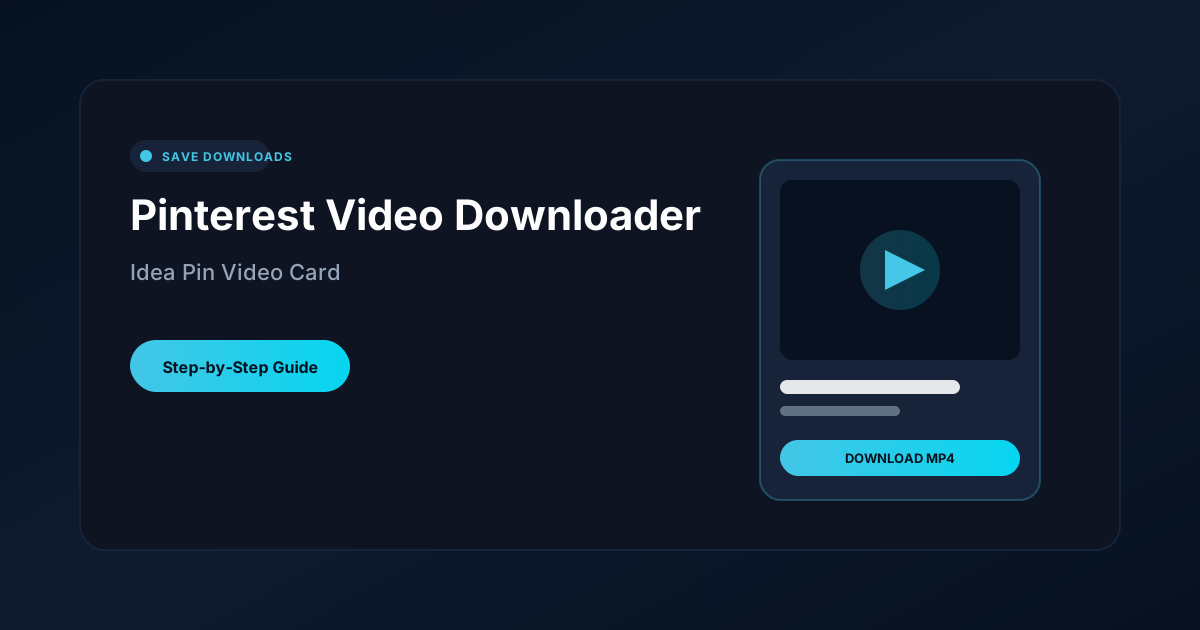
Quick Answer: To use a pinterest video downloader, tap the Share button on any video pin on Pinterest, choose Copy link, and open Save Downloads. Select 1080p HD quality and tap Download. The video and audio save together as a universal MP4 file directly into your phone gallery under your Movies folder.
Pinterest is the ultimate visual discovery platform for home decor ideas, DIY woodworking projects, healthy recipes, beauty transformations, and fashion lookbooks. Over recent years, static photo pins have largely given way to engaging, step-by-step video pins and Idea Pins.
In this guide, you will learn how to use a reliable pinterest video downloader to save video pins directly to your phone or computer so you can review crafting tutorials offline anytime.
Why Save Pinterest Videos to Your Device?
While Pinterest allows you to organize pins into virtual boards, that feature requires an active internet connection:
- Offline Workshop Access: If you are working in a basement woodworking shop or remote garden shed with zero Wi-Fi, online boards cannot load.
- Creator Deletions: If a creator removes their pin or deactivates their account, your saved board link breaks permanently.
- Easy Sharing: Having a local MP4 file lets you share tutorials directly with friends on WhatsApp or Telegram without forcing them to install Pinterest.
Using a dedicated pinterest video download utility gives you permanent ownership of the instructional media you need.
How to Download Pinterest Videos on Android
Saving a video pin on your Android phone takes less than twenty seconds:
- Find the Video Pin: Open Pinterest and navigate to the video pin or Idea Pin you want to keep.
- Copy the Link: Tap the Share icon (or three dots) and select Copy link.
- Open Save Downloads: The application detects your copied link automatically.
- Choose HD Resolution: Select 1080p Full HD and tap Download.
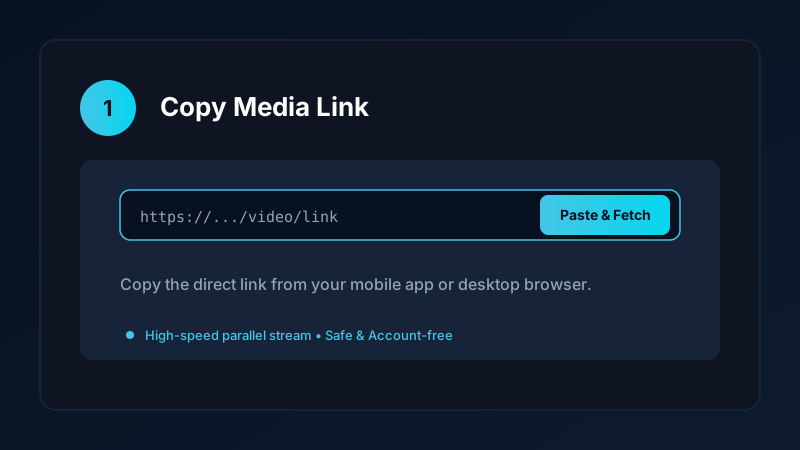
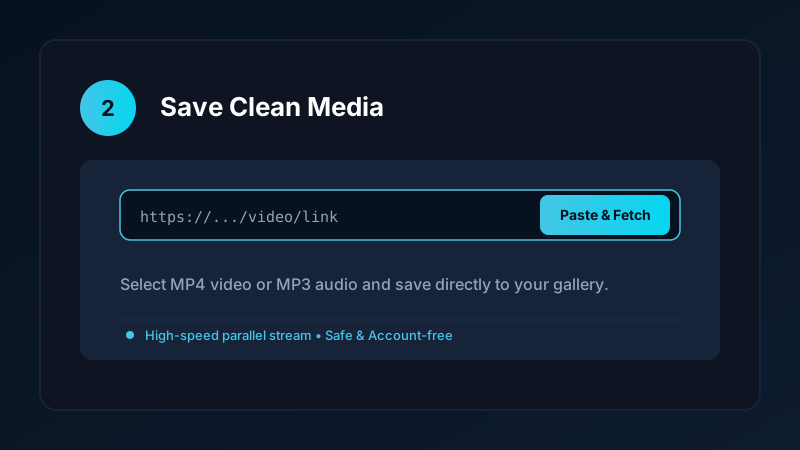
The completed video is saved directly into your device Movies/SaveDownloads folder, immediately visible in Google Photos, Samsung Gallery, and other media players.
How to Download Pinterest Videos on iPhone and PC
If you are using an iPhone or desktop computer:
- On iPhone: Copy the pin link, open Safari, and paste the URL into our clean online tool. Download the file, open the iOS Files app, tap Share, and tap Save Video to export it to your Photos camera roll. Check our iPhone video download guide for more details.
- On PC & Laptop: Open the pin on
pinterest.comin Chrome, Edge, or Firefox, copy the web address, and paste it into our verified online tool. Save the resulting MP4 file directly into yourDownloadsfolder.
Completed files play smoothly in VLC, Windows Media Player, and QuickTime.
Organizing Saved Craft and Recipe Videos
To prevent your camera roll from becoming cluttered, organize your saved Pinterest media into distinct folders:
- Woodworking & DIY: Keep home improvement drills and crafting guides in one album for easy workshop reference.
- Baking & Cooking: Store meal prep and dessert recipes in a dedicated folder for kitchen cooking.
- Art & Drawing: Create moodboards of painting techniques, calligraphy, and digital illustration tutorials.
If you also save short-form vertical videos from other social platforms, explore our guides on how to save TikTok videos to gallery and how to download Instagram Reels.
Safe, Account-Free Archiving
Many third-party apps demand that you connect your Pinterest account before downloading media. This creates severe security hazards:
- Your personal login credentials could be compromised.
- Your account may face automated action from Pinterest for unauthorized third-party integrations.
Save Downloads operates 100% account-free. You never enter passwords, cookies, or account tokens. As long as a pin is public, you can save it anonymously.
Copyright and Fair Use Reminders
When you save pinterest video content:
- Use downloaded clips strictly for personal offline viewing, research, or study.
- Respect creator copyright and never re-upload clips claiming ownership.
- Read our comprehensive legal guide on video downloading.
Building an Offline Workshop and Crafting Library
For crafters, builders, and hobbyists using Pinterest for inspiration:
- Step-by-Step DIY Video Pins: Keep woodworking, knitting, and pottery tutorials accessible in workshops where dust and tools make handling phones with wet or dirty hands difficult.
- Slow-Motion Playback: Use media players like VLC to slow down complex crafting techniques to 0.5x speed, allowing you to examine intricate stitches or joinery details frame by frame.
- Categorized Idea Folders: Create custom gallery folders matching your Pinterest boards, such as
Gallery/PotteryIdeasorGallery/HomeDecor.
Frequently Asked Questions
Can I download Pinterest videos with sound included?
Yes. A complete Pinterest downloader extracts both the visual video stream and the background audio, saving a synchronized MP4 file.
Can I download Idea Pins and video pins in 1080p HD?
Yes. If the creator uploaded in high definition, Save Downloads retrieves the 1080p HD stream directly to your device.
Do I need a Pinterest account to download public video pins?
No. Save Downloads works completely account-free; you do not need to log into Pinterest or share personal credentials.
How do I save Pinterest videos directly to my phone gallery?
Paste the Pin URL into Save Downloads and tap Download. The file is saved directly into your device Movies folder.
Ultra-Fast VPN & Uncapped Bandwidth
Protect your mobile downloads with military-grade AES-256 encryption. Prevent ISP bandwidth throttling and stream up to 8x faster.
Try Save Downloads for Android
Parallel multi-chunk downloads, lossless 1080p and 4K stream remuxing, WhatsApp status saver, and AES-256 encrypted vault. 100% offline and account-free.
Related Guides & Articles
4K Video Downloader: How to Download High-Resolution Videos
Looking for a true 4k video downloader? Learn how to download Ultra HD 4K and 1080p videos with synchronized sound for offline viewing on TV and mobile.
Best Video Downloader App for Android in 2026
Looking for the best video downloader app for Android? Discover top features to check: offline speed, 1080p/4K with sound, private vault, and no accounts.
How to Download a Full YouTube Playlist
Need a youtube playlist downloader? Learn how to download entire video playlists and music albums in one tap for complete offline viewing.