
TubeMate Alternative for Downloading YouTube Videos
Quick Answer: If you need a modern TubeMate alternative, Save Downloads is the superior solution for Android. While TubeMate is a classic pioneer, its outdated user interface, requirement to install separate third-party MP3 converter apps, and lack of modern Edge-to-Edge display support frustrate users. Save Downloads offers automated stream merging, 1080p/4K with sound, and an encrypted vault.
TubeMate is widely recognized as one of the very first dedicated video download utilities for the Android operating system. In the early days of smartphones, a tubemate download was the standard method for users wanting to keep videos on their memory cards.
However, while Android has undergone massive visual and architectural overhauls over the past decade, TubeMate has largely retained its legacy 2012-era interface and cumbersome multi-app workflow. In this guide, we review the limitations of the tubemate apk and demonstrate why Save Downloads represents the modern evolution.
The Legacy of TubeMate: Why Users Are Moving On
TubeMate deserves credit for pioneering mobile media downloading, but its dated architecture shows several major drawbacks on modern devices:
1. The “External Converter App” Hassle
One of the biggest frustrations when using a tubemate youtube downloader is that converting videos to MP3 or packaging certain high-definition formats prompts users to install a separate third-party companion app (such as MP3 Video Converter). Managing two separate applications just to download an audio track is clunky and unnecessary.
2. Outdated Android 4.0 Interface
TubeMate’s interface remains frozen in the Android Holo design era. It lacks modern gesture controls, dynamic dark themes, and support for modern curved Edge-to-Edge displays with system bar insets.
3. Inconvenient In-App Browser Reliance
TubeMate relies heavily on an internal web view browser, which can feel sluggish compared to modern standalone link resolvers that operate seamlessly from your phone clipboard.
Head-to-Head Comparison: TubeMate vs Save Downloads
| Key Feature | Classic TubeMate App | Save Downloads (2026) |
|---|---|---|
| Architecture | Requires 2 separate apps for MP3 conversion | All-in-one standalone utility; zero companion apps |
| User Interface | Legacy 2012-era interface | Modern Cyan/Dark Navy theme with Edge-to-Edge insets |
| Audio Sync on 1080p/4K | Often complex setup with companion codecs | Flawless, automated on-device stream merging |
| Private Vault | None | Offline private on-device encrypted private vault |
| Integrated Player | Basic system intent player | Full-featured player with gesture controls and PiP |
| Download Speed | Standard single/multi-thread | 8-connection parallel chunk acceleration |
Why Save Downloads Is the Superior Modern Alternative
Save Downloads modernizes every aspect of media archiving:
- All-in-One Simplicity: Download 1080p, 4K, or 320kbps MP3 audio directly within a single lightweight application without installing external audio converters.
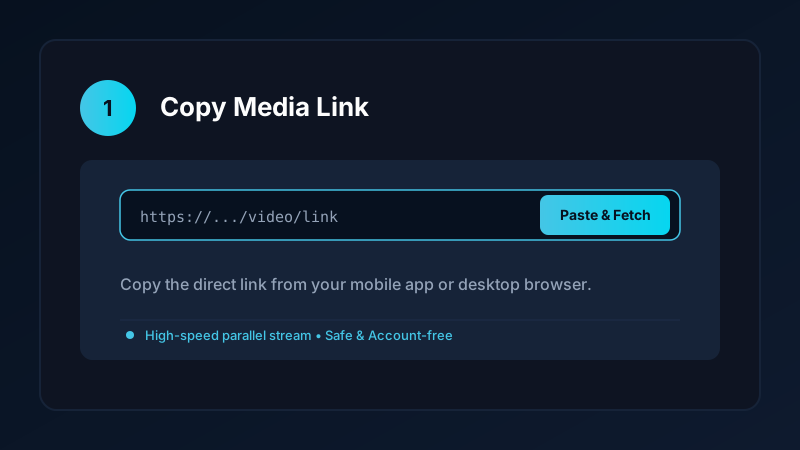
- Clipboard Intelligence: Simply copy a link in the official YouTube app, and Save Downloads detects the URL automatically.
- Encrypted Offline Vault: Move private video clips into an encrypted vault secured by fingerprint or PIN lock, completely hidden from your gallery.
- Picture-in-Picture Multitasking: Watch downloaded videos in a resizable floating window while messaging or browsing.
Explore our Android app overview for complete technical architecture details.
How to Upgrade to Save Downloads
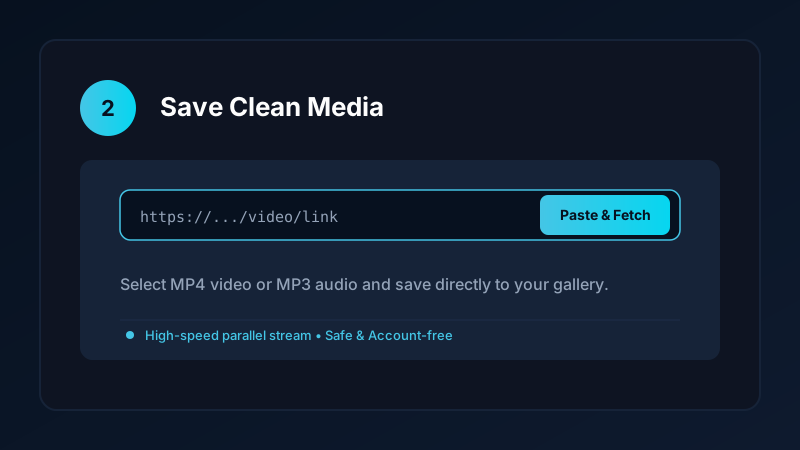
Switching from TubeMate to Save Downloads takes less than two minutes:
- Visit
savedownloads.comon your Android device. - Download the official APK package.
- Verify the published SHA-256 release checksum for guaranteed authenticity.
- Tap Install and enjoy clean, high-speed media downloading.
Check our safe APK installation guide for step-by-step instructions.
Ethical and Fair-Use Guidelines
When downloading media:
- Save content solely for personal offline viewing, research, or fair-use study.
- Respect creator copyright and original publisher licenses.
- Read our comprehensive legal guide on video downloading.
Modernizing Video Playback: Beyond the Android 4.0 Era
TubeMate’s interface reflects a bygone era of mobile computing:
- Dynamic Dark and Light Themes: Save Downloads features a polished Cyan and Dark Navy theme designed specifically for modern AMOLED screens, reducing eye strain and saving battery.
- Fluid Gesture Navigation: Swipe effortlessly to dismiss sheets, preview format tiers, or adjust playback volume and brightness directly inside the built-in player.
- System Inset Awareness: Save Downloads respects phone display cutouts, camera punch-holes, and rounded corners, ensuring controls are never clipped off.
- Background Audio Mode: Enjoy uninterrupted playback of speeches and tutorials with your phone screen turned off, preserving battery life during long commutes.
Frequently Asked Questions
Why are users replacing TubeMate with modern downloaders?
TubeMate has an outdated user interface, frequently requires installing separate external converter apps, and lacks modern privacy tools.
Does Save Downloads require external converter apps like TubeMate?
No. Save Downloads handles all video merging and MP3 conversion internally with zero third-party companion apps required.
Can Save Downloads download 1080p and 4K with audio?
Yes. Save Downloads automatically merges high-definition video and audio streams into a complete MP4 file.
Is Save Downloads free to download?
Yes. Save Downloads is 100% free with no subscription tiers or paywalls.
Ultra-Fast VPN & Uncapped Bandwidth
Protect your mobile downloads with military-grade AES-256 encryption. Prevent ISP bandwidth throttling and stream up to 8x faster.
Try Save Downloads for Android
Parallel multi-chunk downloads, lossless 1080p and 4K stream remuxing, WhatsApp status saver, and AES-256 encrypted vault. 100% offline and account-free.
Related Guides & Articles
Internet Download Manager (IDM) Alternative for Android and PC
Looking for an Internet Download Manager (IDM) alternative for Android and PC? Discover lightweight, free download managers with multi-thread speed and resume support.
Snaptube Alternative: Download Video and MP3 Without the Clutter
Looking for a clean Snaptube alternative? Compare Snaptube features, ad density, and speed with Save Downloads for fast, account-free offline media saving.
Vidmate Alternative: A Safe Video Downloader for Android
Looking for a safe Vidmate alternative? Compare Vidmate features, ad clutter, and privacy with Save Downloads for fast, account-free offline downloading.