
Vidmate Alternative: A Safe Video Downloader for Android
Quick Answer: If you are seeking a modern Vidmate alternative, Save Downloads is the premier choice for Android in 2026. While Vidmate offers broad platform support, it is weighed down by heavy full-screen ads, push notification spam, and background battery drain. Save Downloads provides a clean, ad-friendly interface, 1080p/4K with sound, and an offline private vault.
For over a decade, the vidmate app has been one of the most widely recognized third-party media utilities on Android. Millions of users have relied on vidmate download packages to save entertainment, music videos, and social clips directly to their phones.
However, as mobile operating systems and user privacy expectations have evolved, many users find legacy downloaders increasingly bloated and intrusive. In this factual comparison, we review the pros and cons of Vidmate and demonstrate why Save Downloads is the modern alternative.
Understanding Vidmate Strengths and Growing Limitations
Vidmate pioneered multi-platform media downloading on Android, but years of aggressive monetization have created significant trade-offs:
Vidmate Strengths
- Broad Platform Support: Handles downloads across numerous video portals and social sites.
- Built-in Web Browser: Allows users to browse websites directly inside the application.
- Audio Extraction: Supports converting video streams into MP3 audio files.
Common User Frustrations With Vidmate
- Intrusive Ad Experience: Full-screen interstitial ads, video popups, and persistent notification tray alerts clutter daily use.
- Heavy Battery Consumption: Persistent background notification services drain mobile battery even when the app is closed.
- Excessive Permissions: Requests broad device permissions that can raise user privacy questions.
- Interface Clutter: Promotes unrelated games, trending app stores, and sponsored articles that overwhelm the core download tool.
Head-to-Head Comparison: Vidmate vs Save Downloads
| Key Feature | Legacy Vidmate App | Save Downloads (2026) |
|---|---|---|
| User Privacy | Third-party analytics and tracking | 100% offline, account-free, zero tracking |
| Ad Experience | Aggressive full-screen ads & tray push alerts | Clean, ad-friendly, zero deceptive popups |
| High-Resolution Audio Sync | Inconsistent on 1080p/4K streams | Flawless automated stream merging with audio |
| Download Acceleration | Standard multi-threading | 8-connection parallel chunk acceleration |
| Private Vault | Basic unencrypted hidden folder | Offline private on-device encrypted private vault |
| Display Support | Legacy layout with occasional display cutoff | Modern Edge-to-Edge with clean system insets |
Why Save Downloads Is the Modern Android Choice
Save Downloads was engineered to restore the simplicity of media downloading:
- Zero Account Logins: You never enter personal credentials, email addresses, or phone numbers.
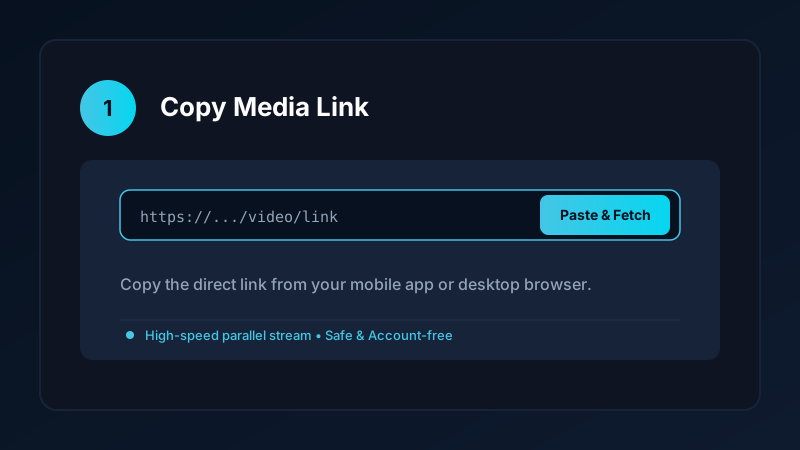
- Universal Link Fetching: Simply copy a link from any app, and Save Downloads resolves the direct media stream instantly.
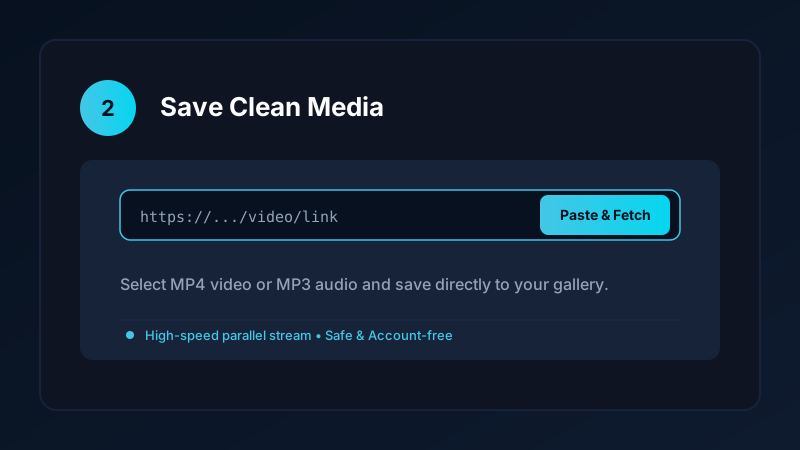
- Integrated Media Player: Play downloaded 1080p and 4K videos offline with smooth volume/brightness gesture controls and Picture-in-Picture.
- Secure Vault: Keep personal videos, fitness records, and private archives completely hidden behind an encrypted fingerprint or PIN lock.
Explore our Android app overview for complete technical architecture details.
How to Switch to Save Downloads
Switching from Vidmate to Save Downloads takes less than two minutes:
- Visit
savedownloads.comon your Android mobile browser. - Download the official video downloader apk package.
- Verify the official SHA-256 release checksum for guaranteed file integrity.
- Tap Install, open the app, and paste your first video link.
Read our complete guide on safely sideloading APKs for step-by-step installation instructions.
Ethical and Fair-Use Guidelines
When downloading media:
- Save content solely for personal offline viewing, research, or fair-use study.
- Respect creator copyright and original publisher licenses.
- Read our comprehensive legal guide on video downloading.
Managing Storage and MicroSD Cards on Modern Android
Modern Android smartphones require clean storage architecture:
- Scoped Storage Compatibility: Modern Android versions (Android 11 through 15) enforce strict Scoped Storage rules. Legacy downloaders that attempt to write to arbitrary root folders often fail or crash.
- Native Android Standards: Save Downloads is built strictly adhering to modern Android storage standards, saving media cleanly into public media folders where gallery apps can index them without security errors.
- Seamless USB Transfer: Connect your phone to your PC via USB cable, open the
Movies/SaveDownloadsfolder, and transfer your video archives to external storage in seconds. - Battery Optimization Awareness: Unlike legacy tools that maintain wake-locks and drain battery in the background, Save Downloads releases system resources immediately once active downloads complete.
Frequently Asked Questions
Why are users looking for a Vidmate alternative?
Users seek alternatives due to Vidmate intrusive full-screen advertisements, heavy background battery drain, and notification clutter.
Is Save Downloads safer than the Vidmate app?
Save Downloads operates 100% offline, requires zero account sign-ins, has no background tracking, and includes an encrypted private vault.
Can Save Downloads download videos from YouTube in 1080p with audio?
Yes. Save Downloads automatically merges separate high-definition video and audio streams, guaranteeing full sound on every download.
Is Save Downloads free like Vidmate?
Yes. Save Downloads is completely free with no subscription tiers, paywalls, or daily download caps.
Ultra-Fast VPN & Uncapped Bandwidth
Protect your mobile downloads with military-grade AES-256 encryption. Prevent ISP bandwidth throttling and stream up to 8x faster.
Try Save Downloads for Android
Parallel multi-chunk downloads, lossless 1080p and 4K stream remuxing, WhatsApp status saver, and AES-256 encrypted vault. 100% offline and account-free.
Related Guides & Articles
Internet Download Manager (IDM) Alternative for Android and PC
Looking for an Internet Download Manager (IDM) alternative for Android and PC? Discover lightweight, free download managers with multi-thread speed and resume support.
Snaptube Alternative: Download Video and MP3 Without the Clutter
Looking for a clean Snaptube alternative? Compare Snaptube features, ad density, and speed with Save Downloads for fast, account-free offline media saving.
TubeMate Alternative for Downloading YouTube Videos
Looking for a modern TubeMate alternative? Compare TubeMate legacy interface and codec requirements with Save Downloads for fast, seamless HD saving.